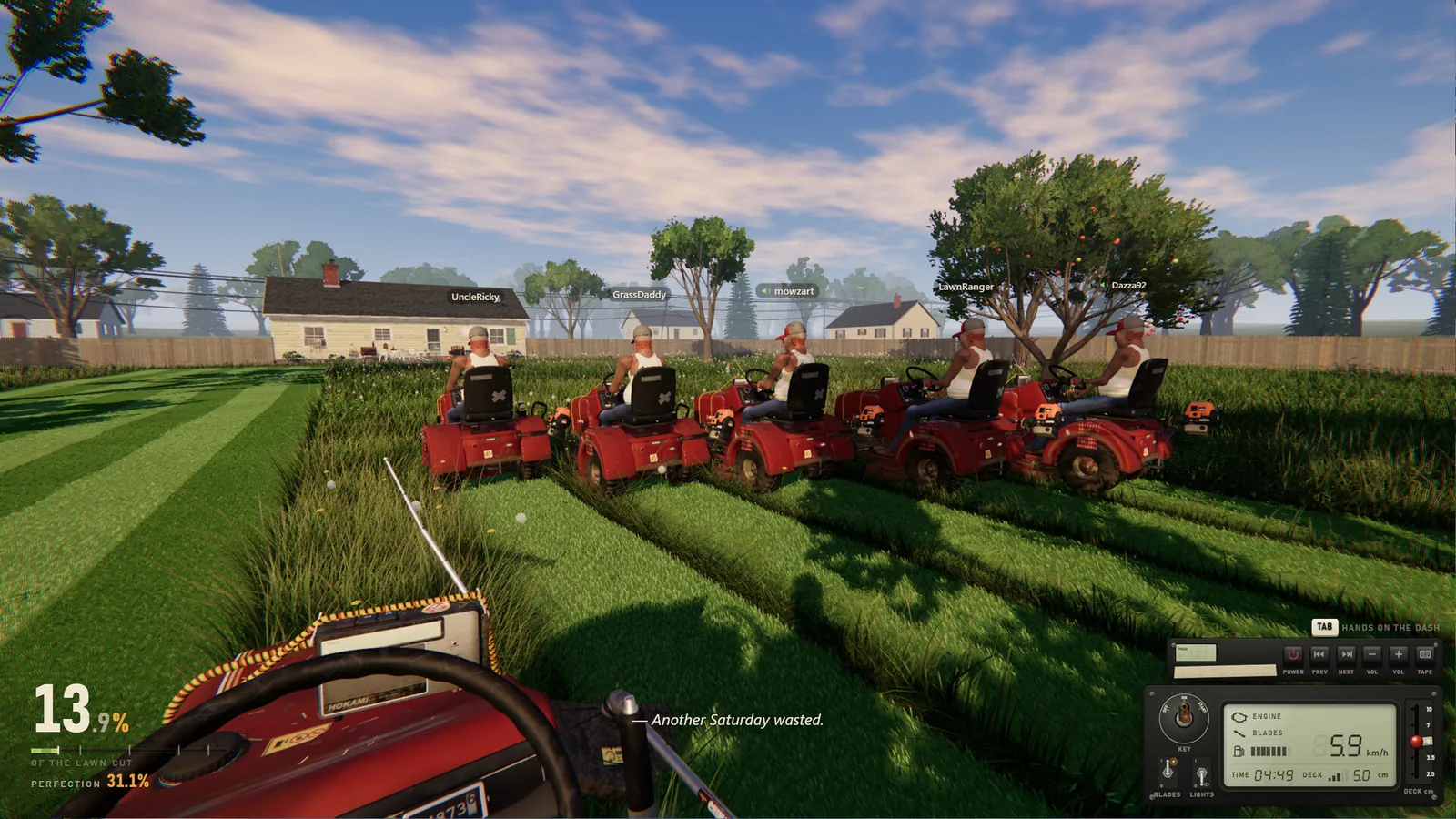
Get everyone into the same session
- Open Steam and sign in. The official requirements say online co-op needs the Steam client running and logged in.
- Check that the group is using the intended edition. The demo’s published rule is demo-to-demo; do not assume a free-demo player can join every full-game session.
- Use a Steam invitation, or share the six-digit session code privately. The store confirms both joining methods.
- Once connected, confirm you see the same yard and other players. The limit is six total, including the host, rather than six invited friends plus a host.
These are the documented entry methods, not a promise of cross-platform play or a tested workaround for all connection errors. For Xbox and PS5 questions, controller support on PC is a separate feature.
Divide the job without losing progress
The developer confirms separate mowers on one lawn and proximity voice chat. An editorial way to avoid crossing each other is to assign broad sections and leave one person to trim awkward edges or move bags. That is a coordination suggestion, not a special role system.
In 1.0.1, guests who reach 90% of the job together also unlock the next level. Before that patch, only the host could receive it. Check the unlock route for the relevant jobs and thresholds.
Voice, music and streaming
Proximity voice and shared music are different systems. The store describes online voice as unmoderated and says players can be muted or blocked. Imported music sharing is optional; both the host and listeners must accept it. The older 0.9.19 note documents Ask, Always and Never choices.
Streamer Mode hides the lobby code and blocks player-imported music. It does not guarantee that other players’ speech or the built-in radio is appropriate for your audience. See radio and sharing before broadcasting.
If joining or unlocks fail
Record the edition, game version and whether you were host or guest. Update 1.0.1 applies fixes to both the demo and full game. Use the in-game Found a bug? entry or official discussion forum with those details if the issue remains. Do not post your live room code publicly.
Sources & verification
- Superdou: One More Lawn Steam store 2026-11-14
- The free demo is out now 2026-11-14
- Update 1.0.1: your bug reports, fixed 2026-11-14
- Demo Update 0.9.19: Streamer Mode, Shared Music and More Fixes 2026-11-14